








Where to put the Coupon / Discount code?
Right in your cart, or at checkout — whichever you reach first. Look just below your list of teas, above the order total, and you’ll spot the code field: type or paste your code, hit Apply, and your new total updates on the spot. If a code refuses to cooperate or the field is playing hide-and-seek, send us a quick email and we’ll sort it out — nobody should miss a discount over a technical hiccup. No code in hand? Check the banner along the top of the site or our discounts page: the Hive almost always has something sweet running.

Conclusion
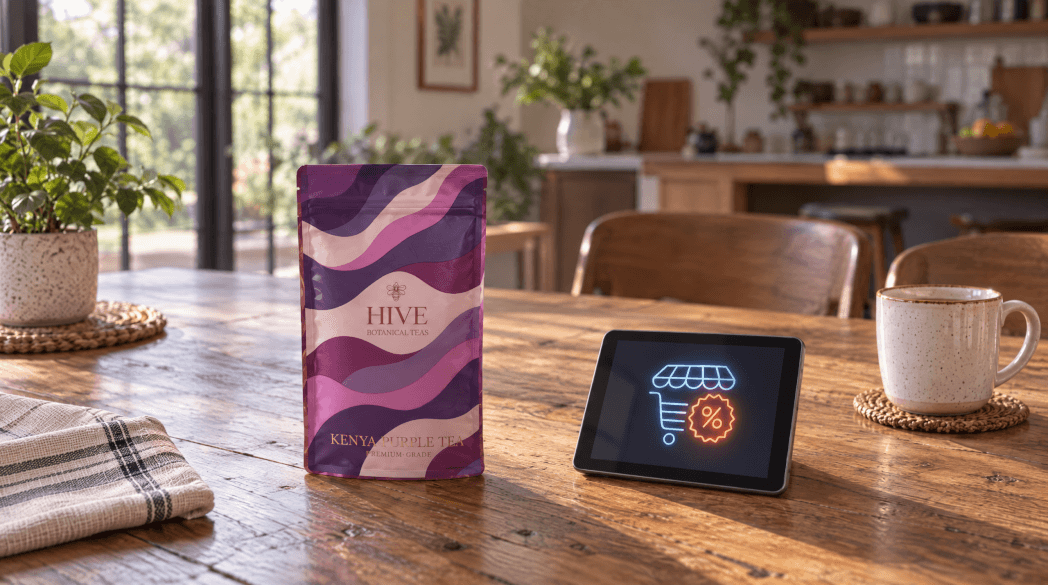
You can enter your coupon or discount code right in the cart or on the checkout page! Just look underneath the list of products in your cart and right above the cart total, and you’ll see a field where you can type in or paste your code.
Comments
Showing 0 out of 0 Comments
Replying to
Add A Comment
Other Posts you might be interested in










There are no comments yet. Be the first to comment!